
FrameLoop
Select a few frames and get a looping animation: an animated GIF, a WebM video or an APNG, encoded right inside Figma. Free to install; Pro is $9 one-time.
FrameLoop is in final testing and will be on the Figma Community soon. This page documents the first release.
Guides
- Quickstart: install and export your first GIF in two minutes.
- Feature guide: every control explained, and the rules the plugin follows.
- Pro features: what Pro unlocks and how the gate works.
- Troubleshooting: what to check when an animation looks wrong.
Free vs Pro
- Name
Free, forever- Type
- no account needed
- Description
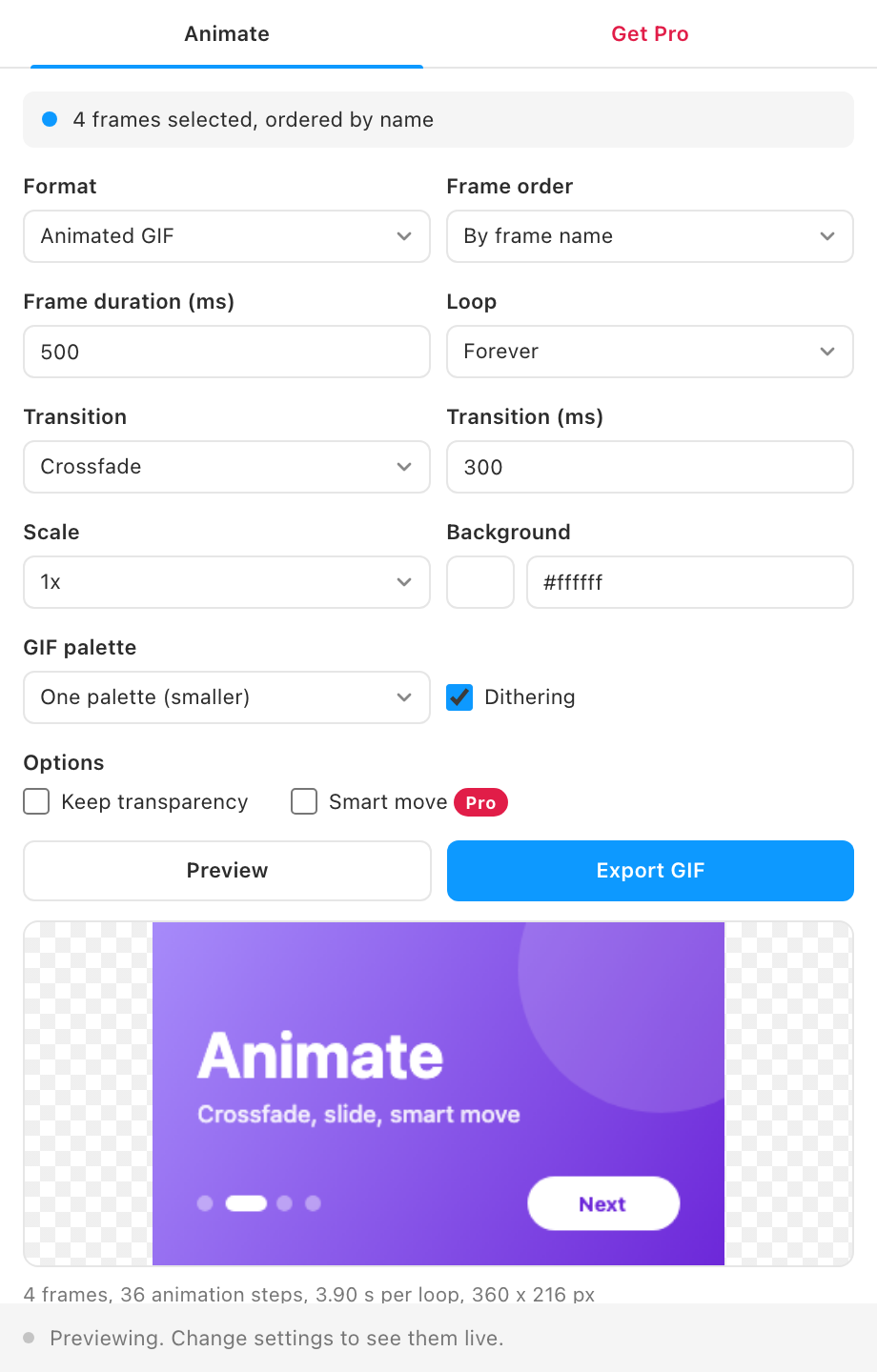
Animated GIF from up to 30 frames at 0.5x or 1x, cut and crossfade transitions, frame durations from frame names, loop count, one palette or a palette per frame, dithering, 1-bit transparency, the live preview and the file size before you download.
- Name
Pro- Type
- $9 one-time
- Description
WebM video, APNG with full alpha transparency, 2x scale, slide left and slide up transitions, unlimited frames, and smart move.
Pro is a one-time purchase with no subscription. Buy from the plugin's Get Pro tab, paste the license key that arrives by email, and Pro unlocks on up to 3 devices. See Pro and licensing for how keys and devices work.
What it does
- One frame, one step. Each selected frame becomes one step of the animation, ordered by frame name, canvas position or layer order.
- Timing from your names. A global frame duration, and any frame whose name ends in a duration such as "Intro 1200ms" holds for that long instead.
- Transitions. Cut, crossfade, slide left or slide up between frames, with their own duration. When the animation loops, the last frame transitions back to the first.
- Three formats. Animated GIF with its own encoder and color quantizer, APNG with full transparency, and WebM video.
- Smart move (Pro). Layers with the same name in consecutive frames glide and fade from one position to the next, the way Smart Animate does in prototypes.
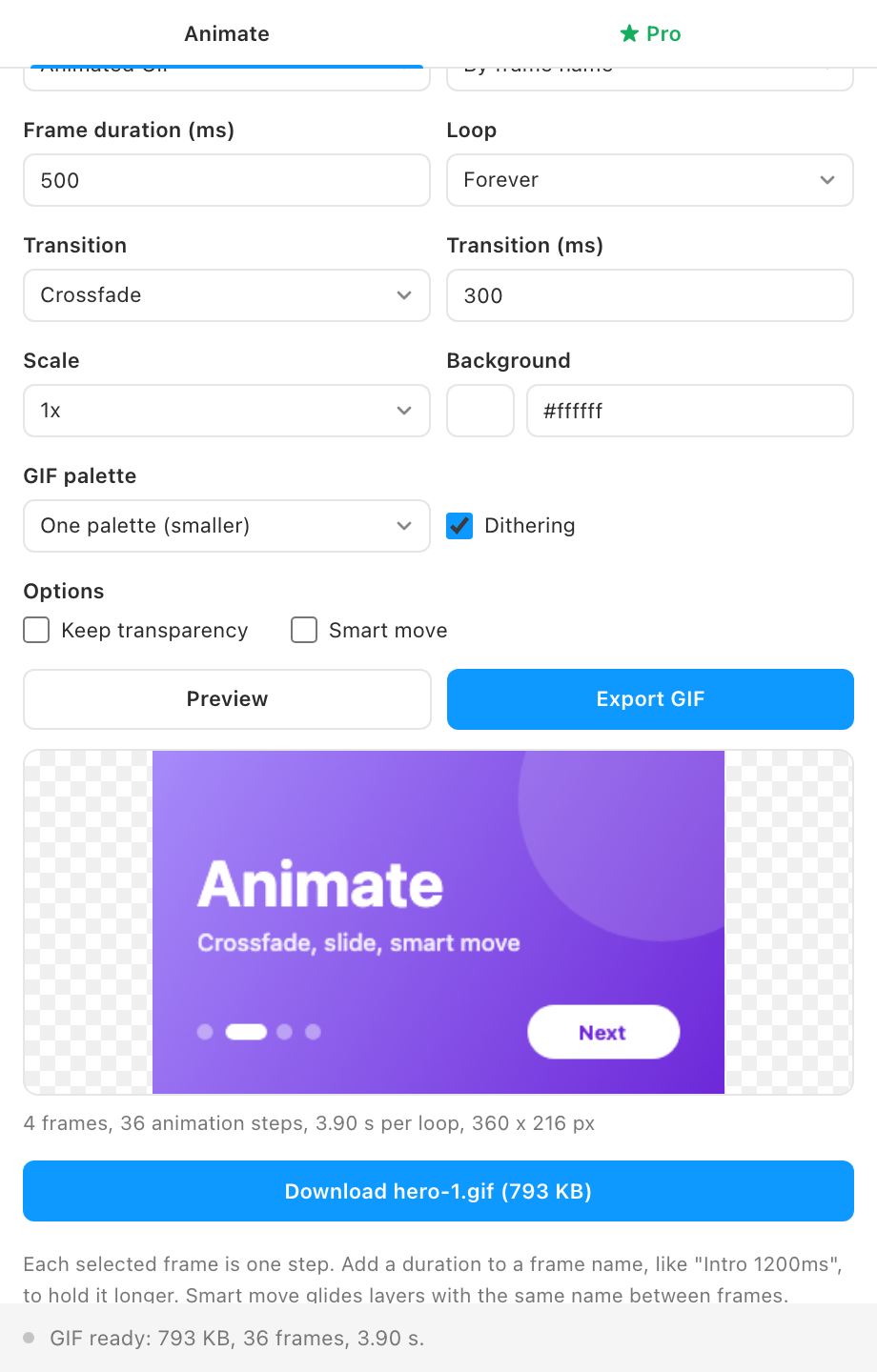
- Live preview. The composed animation plays inside the plugin, and the Download button shows the encoded file size.
- Nothing leaves Figma. All composing and encoding happens in the plugin. The only network request is the license check.
How to use it
- Draw your frames. One frame per step, all the same size. Name them "Step 1", "Step 2" and so on, or any names that sort in the order you want.
- Select them and press Preview. The animation plays in the plugin. Change the duration, transition or loop and the preview updates.
- Export. Press Export GIF (or WebM or APNG with Pro), check the size on the Download button, and download the file.
FAQ
Which format should I pick?
GIF plays everywhere, including email and most chat apps, but it has at most 256 colors per frame and only on or off transparency. APNG keeps full color and soft transparency and plays in all modern browsers. WebM gives the smallest file for long or colorful animations and suits websites and video players.
Why is my GIF large?
Every transition step is a full frame, and dithering adds noise that compresses poorly. Shorten the transition, use a cut, turn dithering off, or export at 0.5x.
Can it export a Figma prototype or Smart Animate?
No. FrameLoop animates the frames you select, not prototype connections. Smart move gives a similar effect for layers with matching names.