
TypeLadder Pro
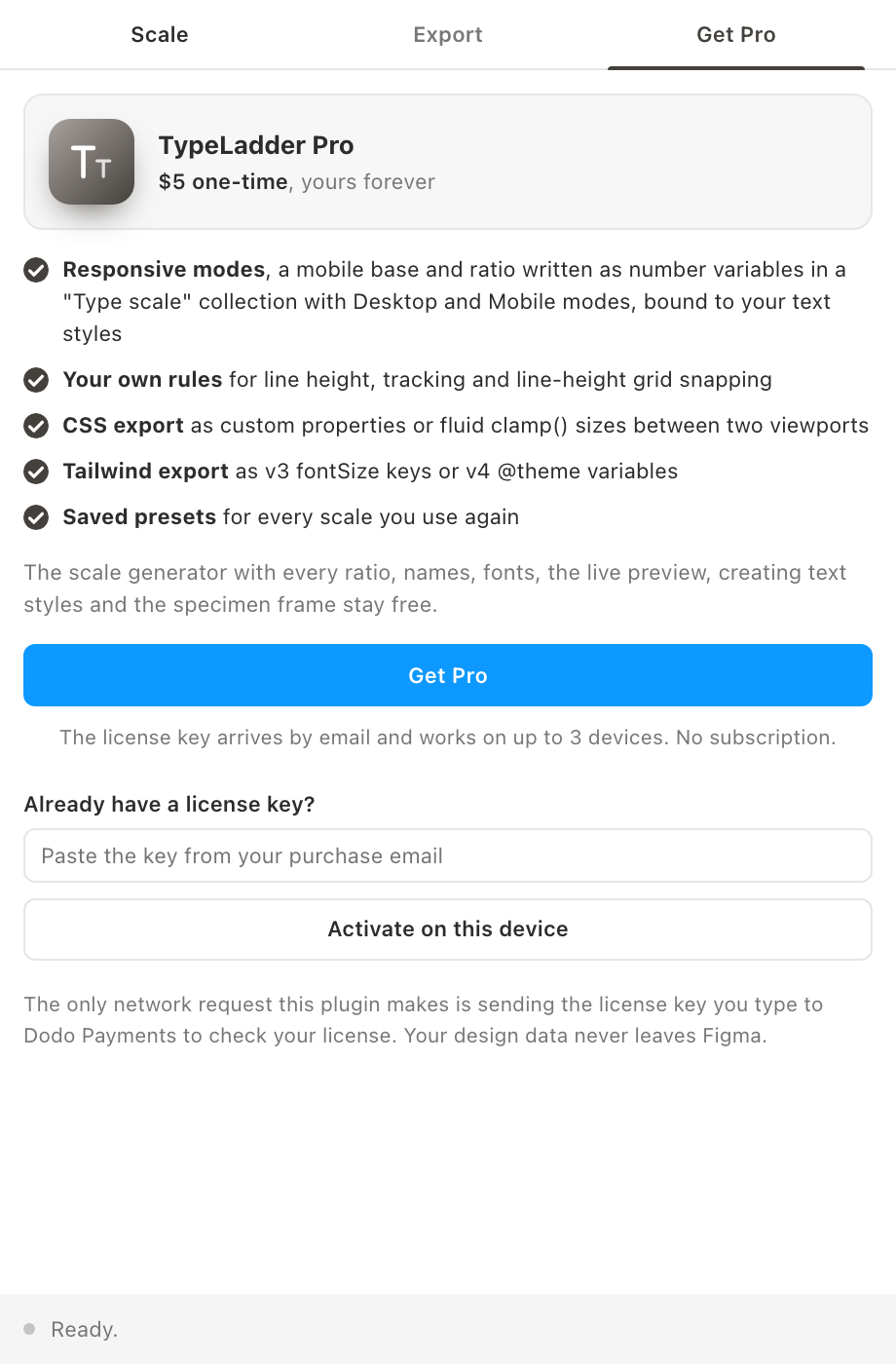
The free tier builds the scale and writes it as text styles. Pro adds the responsive and code side: variables with Desktop and Mobile modes, your own rules, and exports for CSS and Tailwind.
Free vs Pro
- Name
Free, forever- Type
- no account needed
- Description
Base size, every ratio preset or a custom ratio, steps below and above, rounding, four naming schemes, heading and body fonts, the default line-height and tracking rules, the live preview, creating text styles and the specimen frame.
- Name
Pro- Type
- $5 one-time
- Description
Mobile mode as number variables in a "Type scale" collection with Desktop and Mobile modes, bound to the styles; custom line-height and tracking rules with grid snapping; CSS custom properties and fluid clamp() export; Tailwind v3 and v4 export; saved presets.
Pro is a one-time purchase, no subscription. You pay once and keep it.
How the gate works
The Line height and tracking section, the Mobile mode checkbox, the export format and Presets carry a Pro pill. Without a license, changing a rule puts it back to its default and opens the Get Pro tab; ticking the mobile mode, copying code or using a preset does the same. The export box stays empty until Pro is active. The plugin's main thread checks again before it writes variables or styles with custom rules, so nothing is half done.
Activating
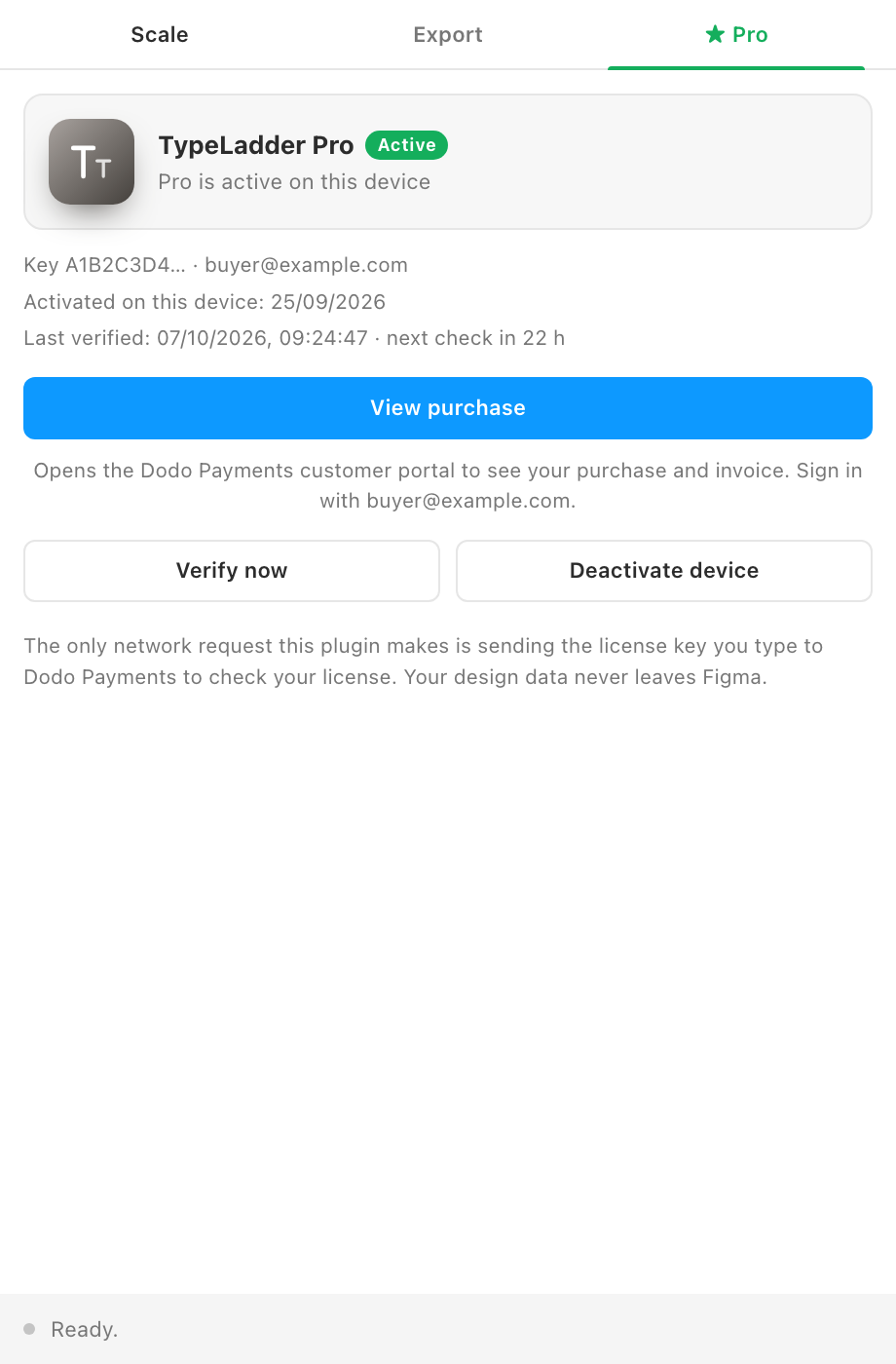
Buy from the Get Pro tab, paste the key from the email and click Activate on this device. Keys work on up to 3 devices. View purchase opens the Dodo Payments customer portal, where you can see the purchase and invoice. Devices and refunds are covered on the shared Pro and licensing page.